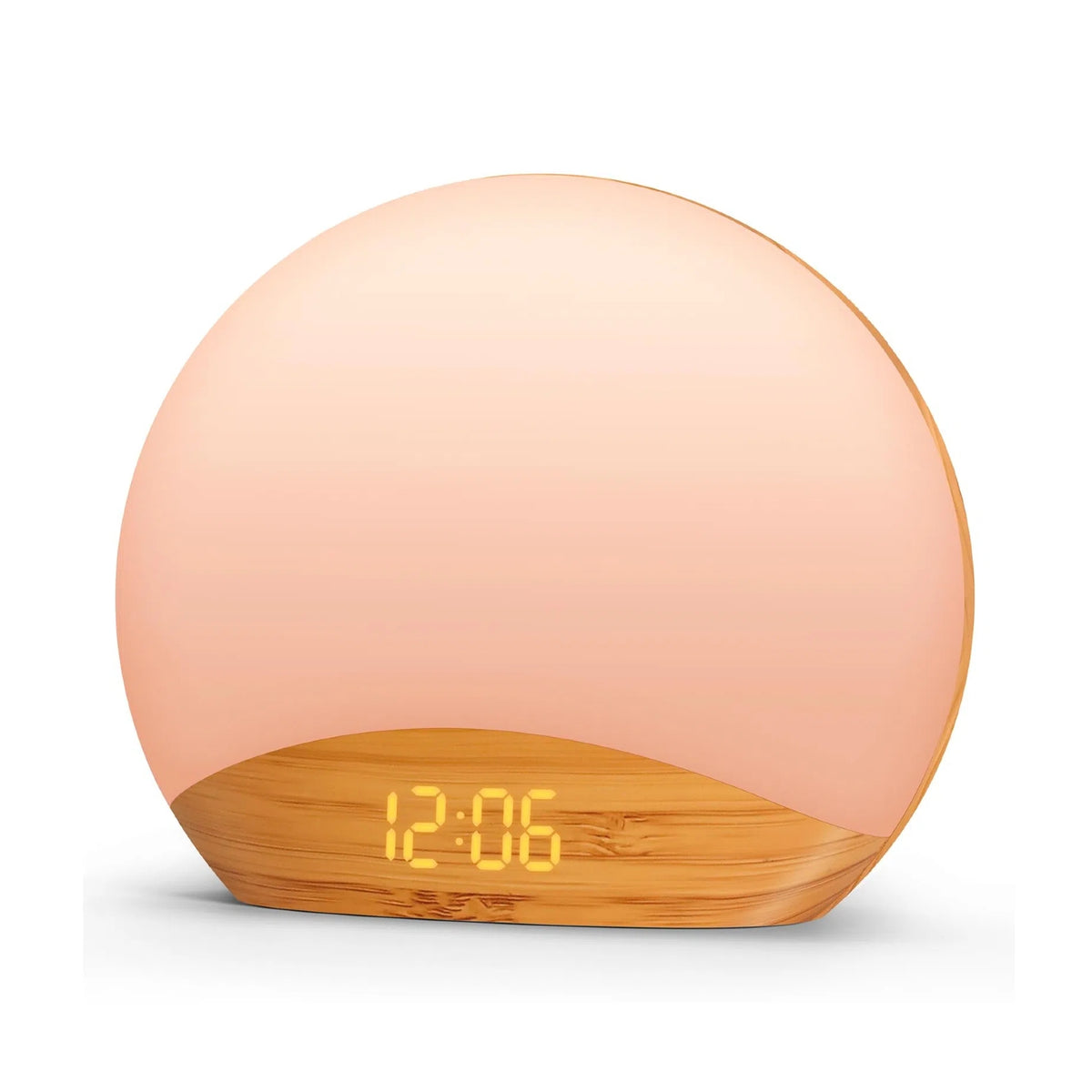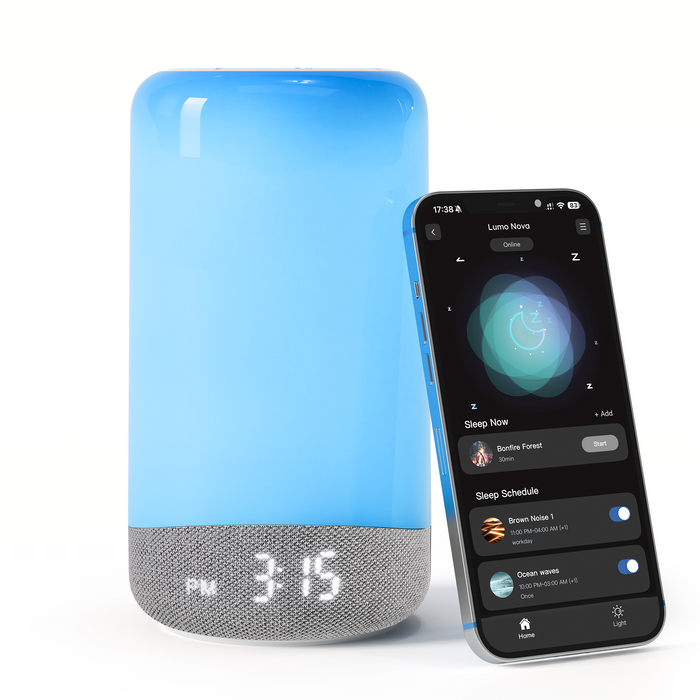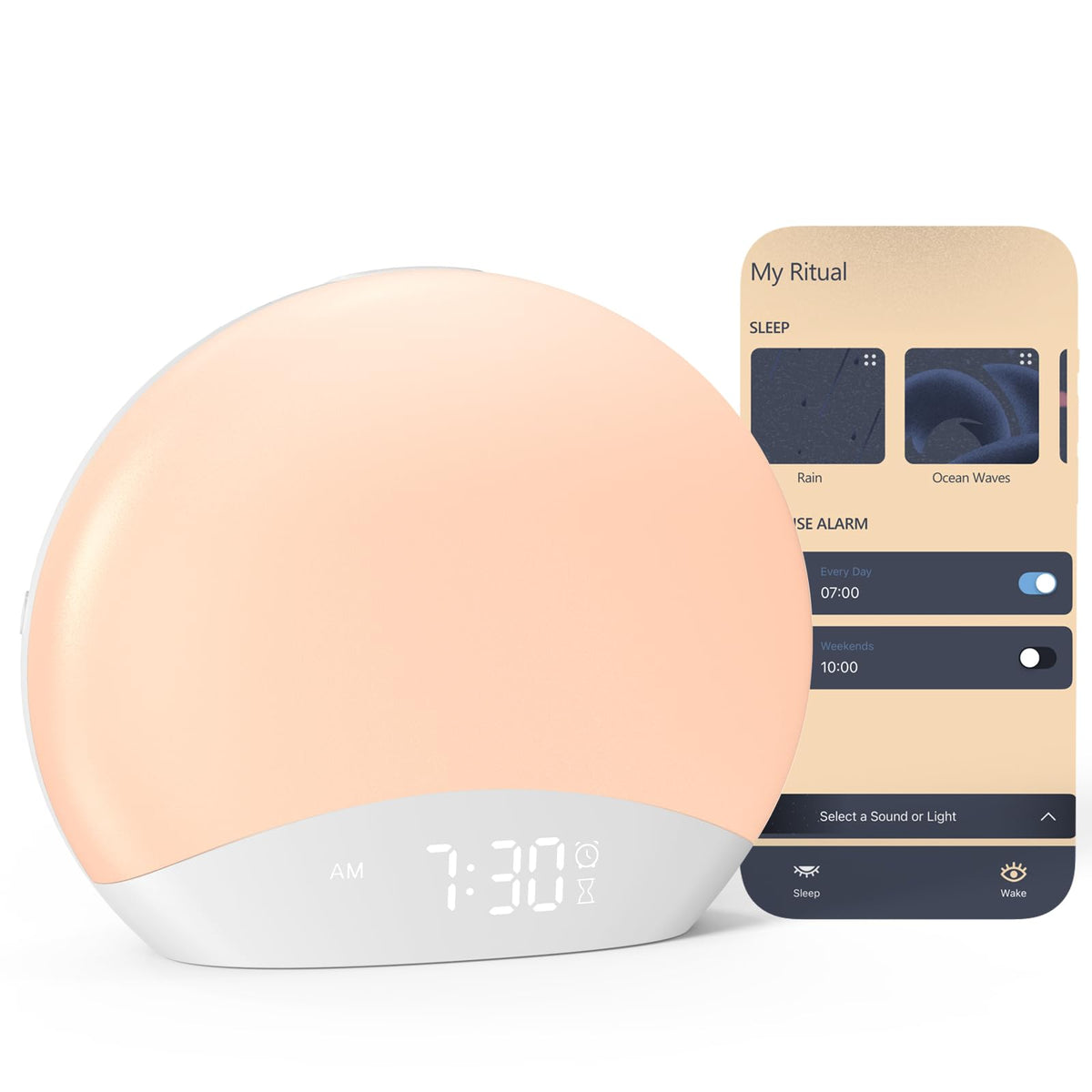
The details at a glance
- Sunrise timing
- 5–60 minutes
- App
- Yes, required for alarm setupConfigure alarms and routines in Tuya Smart using 2.4 GHz Wi-Fi. Bedside buttons handle everyday light and sound controls.
- Membership
- None
- Audio
- Noise, fan and nature sounds
- Scheduling
- Multiple app-managed alarms
- Controls
- App and bedside controls
Who should buy it?
Reasons to consider it
- Multiple saved routines
- No content subscription
- Physical controls for everyday bedside use
Reasons to pause
- Tuya Smart required for alarm setup
- Needs a 2.4 GHz Wi-Fi network
- Must stay connected to power
The app is part of setup
Use Tuya Smart to configure alarms and routines. The physical controls remain useful for sound, volume, light, snoozing and stopping an alarm, but they do not make this an app-free alarm clock.
Why multiple routines can justify the upgrade
A changing week is the clearest reason to choose R7APP over R7. Saving several routines is more convenient than adjusting one daily alarm each evening. If your wake time rarely changes, the standalone model may already meet your needs.
Check your network before ordering
This model uses 2.4 GHz Wi-Fi. A network that only offers a 5 GHz connection is not the right setup. Confirm that you can configure a compatible network where the clock will sit.
Sound choices without an ongoing library fee
Built-in noise, fan and nature sounds cover different bedtime preferences without a content membership. Choose the routine and controls you want rather than assuming app control means a subscription.
Living with REACHER R7APP
Choose the R7 family by controls
The important divide is standalone R7 versus app-configured R7APP. A similar appearance does not make the setup requirements interchangeable. Select the model name carefully before comparing finish or price.
A better fit than another app-free clock?
R7APP earns its added setup when you use several routines. If you only need a daily sunrise and a sleep sound, compare R7 and Dreamegg Sunrise 1 before buying connected features.
Which alternative makes more sense?
REACHER R7
Choose standalone setup when one daily alarm is enough.
Under $50 estimated retail range
Compare these modelsecozy Lumo Nova AC-SCE50S
Compare connected schedules plus Bluetooth audio.
$50–$99 estimated retail range
Compare these modelsPrice range and buying options
Use this range to plan your budget. It is an estimated retail range; confirm the current price, selected version, tax and shipping with the retailer.
Compare the retail reference · Checked October 24, 2026.
Compare the current Amazon offer with the linked retail store.
How our budget bands workQuestions before you buy
Is the app optional?
No for alarm setup: alarms and routines are configured in Tuya Smart. Bedside buttons handle everyday controls after setup.
Does R7APP require a subscription?
The listed sound and routine functions do not require a content subscription.
Will it work on 5 GHz-only Wi-Fi?
It requires a compatible 2.4 GHz Wi-Fi network.
Specifications, manuals & further reading
Still deciding?
Compare the features across all 27 models before choosing.
As an Amazon Associate I earn from qualifying purchases. How our links work.