 Image: Lumie
Flexible sunrise timing
Lumie Bodyclock Shine 300
A longer sunrise, without bringing your phone to bed.
$150–$199Estimated retail range · USD
No app availableNo subscription
Read review
Buy nowat Amazon
The most useful wake-up light is one that fits your schedule and is easy for you to operate. Work through these checks before comparing decorative colors or long lists of sound effects.
Choose between physical controls and app-based routines. A standalone clock avoids another account, but its buttons still need to make sense to you. A connected device can be convenient if you are comfortable configuring routines through your phone.
Sunrise duration describes the length of the transition. Final brightness describes where it finishes. More minutes do not automatically mean more light. Published descriptions are also not the same as independent measurements of the light reaching your pillow.
Daily alarms, two alarm slots and a weekly schedule are not interchangeable. If your wake time changes across the week, confirm whether the clock saves those differences or expects you to adjust and re-arm it.
Look at the clock display and the lamp separately. Can the time display turn off? Does sunset fade to darkness or to a selected nightlight level? A dim display can still be distracting in a very dark room.
Some people mainly want light and one reliable sound. Others use the same device for evening audio. The number of tracks is less important than whether you like the sounds and can choose a comfortable volume.
Ask what works without a subscription and what happens if power is lost. A free content trial is not the same thing as permanently included content. Likewise, a battery that retains the time may not power the alarm itself.
Retailer pages may pool variants and owner reviews. Compare model numbers, region and current instructions. When a manual and a listing conflict, ask for clarification instead of assuming the most favorable specification applies.
| Model | Estimated retail range | Sunrise | App | Membership | Sounds | Best reason to consider it |
|---|---|---|---|---|---|---|
| Lumie Bodyclock Shine 300 | $150–$199 Pricing notes | 15–90 minutes | No app availableSet the alarm and light directly on the device. | None | 15 sounds + FM radio | Flexible sunrise timing |
| Hatch Restore 3 | $150–$199 Pricing notes | Customizable light routine | Yes, required for setupThe Hatch Sleep app and Wi-Fi are required for setup and customization. Bedside buttons control saved routines. | Optional Hatch+ | Included library; optional extras | App-based routines |
| Philips SmartSleep HF3520/60 | $100–$149 Pricing notes | 30-minute simulation | No app availableSet the alarm and light directly on the device. | None | 5 sounds + FM radio | A familiar standalone setup |
Image: LumieA longer sunrise, without bringing your phone to bed.
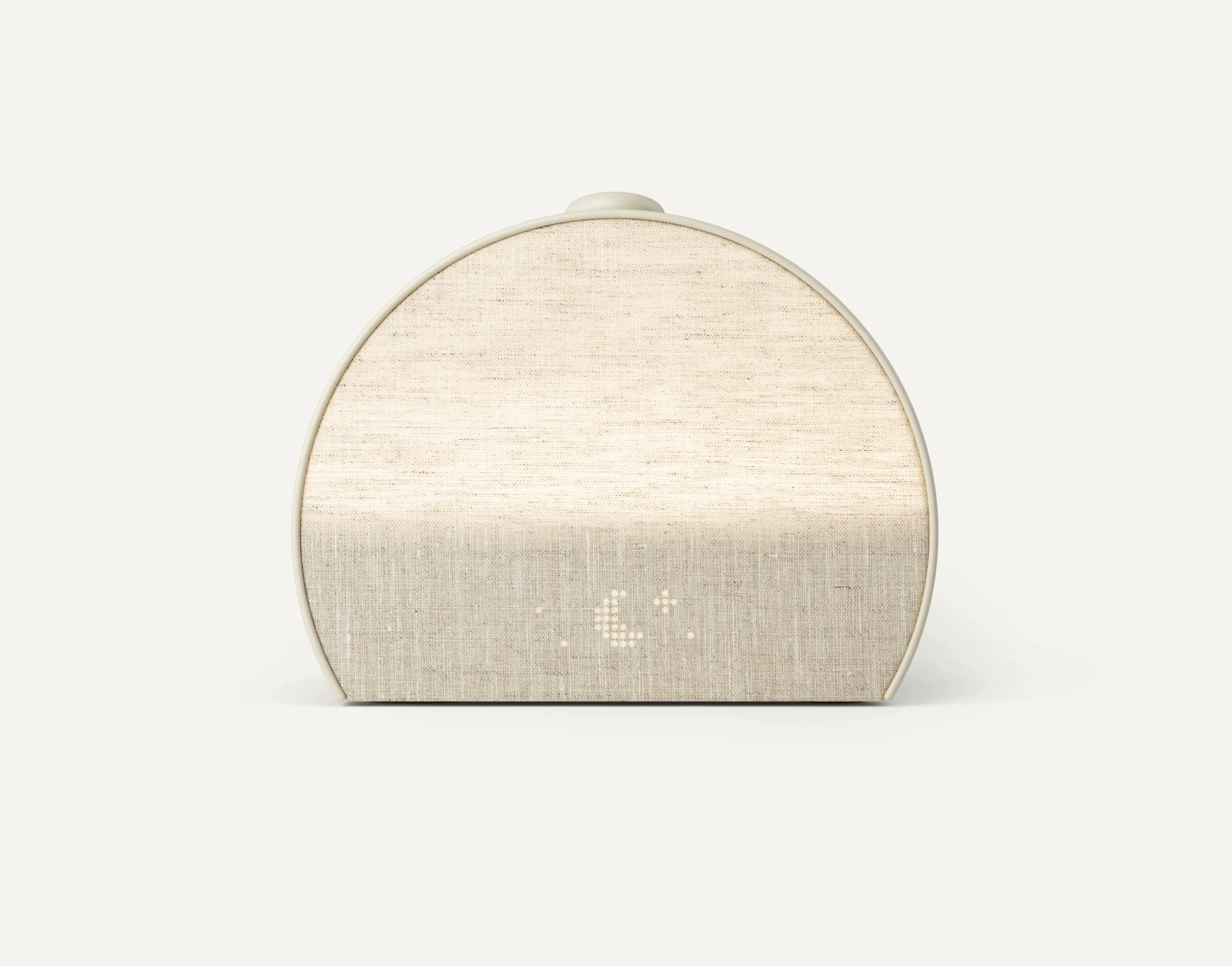 Image: Hatch
For people who want a whole evening routine.
 Image: Philips
The straightforward light-and-radio option.
As an Amazon Associate I earn from qualifying purchases. How our links work.